How the Admin API Saves Time in SMM Panel Management (Complete Automation Guide)
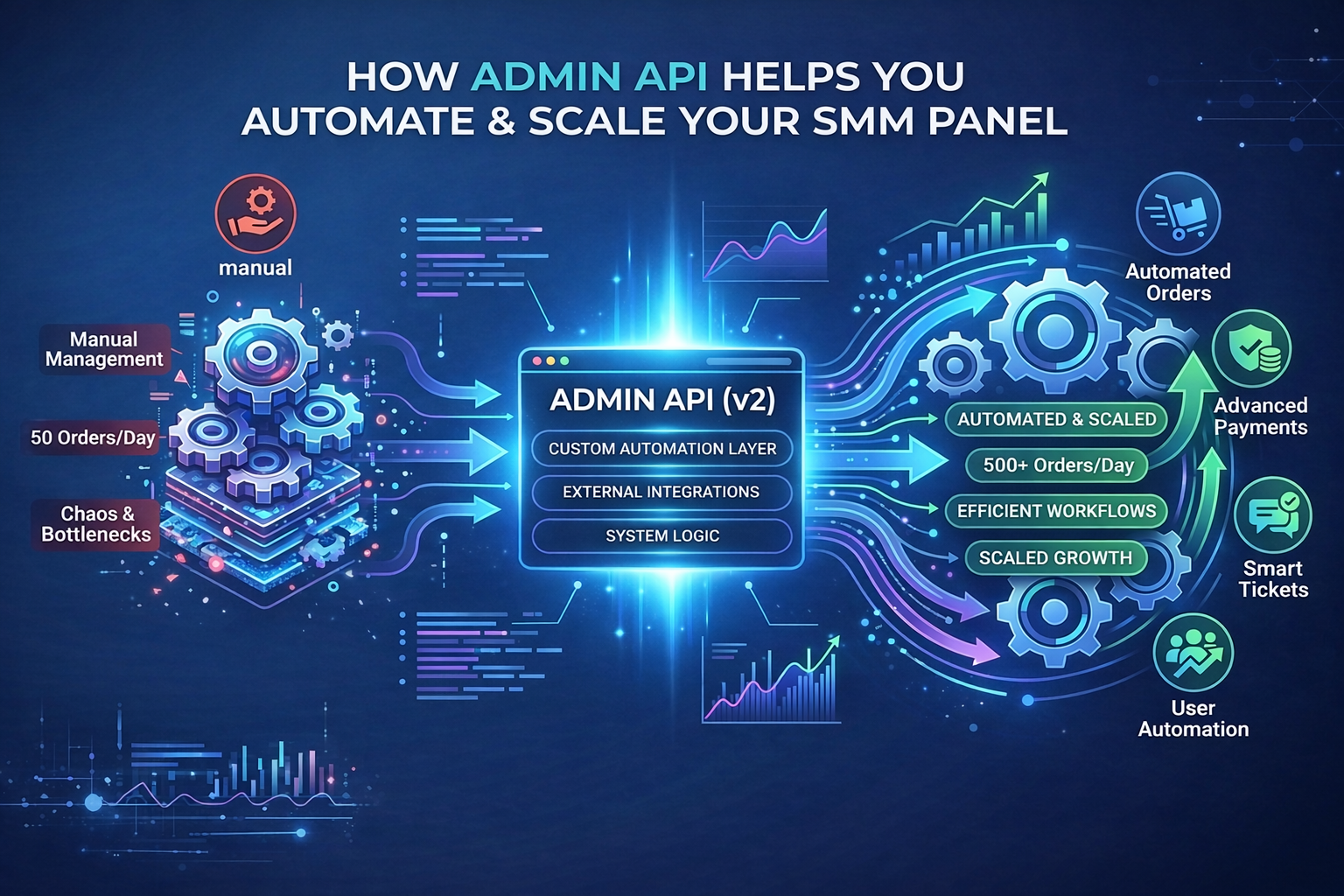
How the Admin API Helps You Automate and Scale Your SMM Panel
As your SMM panel grows, manual management quickly becomes inefficient. What worked with 50 daily orders can collapse under 500. Order updates, payment confirmations, ticket replies, refunds, user tracking — all of it turns into repetitive work that slows growth.
This is where the Admin API becomes a serious operational advantage.
Instead of managing everything from the dashboard manually, the Admin API allows you to build custom automation layers on top of your panel. It gives you full control over workflows, external integrations, and internal system logic.
If you’re serious about scaling, automation is not optional.
View Admin API v2 Documentation
What Is the Admin API?
The Admin API is a backend interface designed for panel owners who want deeper control over operations.
It allows you to:
- Connect your panel to third-party software
- Build internal automation scripts
- Sync data between systems
- Control orders, users, tickets, and payments programmatically
Unlike the standard user API, the Admin API is built for panel management — not just order placement.
It requires development knowledge, but once implemented correctly, it reduces hours of manual work every week.
1) Automating Order Management
Order handling is the most time-consuming part of running a panel. With the Admin API, you can:
- Pull new orders automatically into your fulfillment software
- Sync order status in real time
- Process refills without manual tracking
- Apply custom rules for problematic orders
That’s operational efficiency.
2) Advanced Payment Automation
Manual payment handling creates delays and errors. Using the Admin API, you can:
- Automatically credit balances for manual or offline payments
- Fetch detailed payment logs for accounting systems
- Monitor suspicious transactions
- Trigger automated fraud checks
Instead of verifying transfers manually, your system can validate and process them automatically. This improves both speed and security.
3) Smart Ticket Workflow Optimization
Customer support becomes chaotic as volume increases. With API-based automation, you can:
- Integrate tickets with external CRM tools
- Auto-reply to common order-related questions
- Generate ticket statistics and performance reports
- Create identity verification flows
- Route tickets to the right staff automatically
This transforms support from reactive to structured.
4) User Automation & Behavioral Triggers
Managing users manually doesn’t scale. The Admin API allows you to:
- Automatically create panel accounts from external systems
- Check user existence across platforms
- Send automated balance alerts
- Trigger campaigns based on user activity
- Detect inactive accounts and re-engage them
This turns your panel into a connected ecosystem instead of an isolated dashboard.
Why Admin API Automation Matters for Growing Panels
Most panels fail not because of lack of orders — but because operations become messy. Manual processes cause:
- Delays
- Missed refunds
- Inconsistent order handling
- Poor support response times
Automation eliminates operational bottlenecks and allows you to scale revenue without increasing administrative workload.
If you’re building a professional panel business, the Admin API is not just a feature — it’s infrastructure.
Getting Started with the Admin API
To activate the Admin API:
- Go to your panel dashboard
- Navigate to: Panels → Ellipsis Menu (…) → Admin API v2
- Generate your API key
From there, you can start integrating it with your own software or external systems.
Documentation: https://demo.begpanel.com/admin/adminapi/v2
Final Thoughts
The Admin API transforms your panel from a manual control panel into an automated system.
Instead of spending time updating statuses, verifying payments, and managing repetitive tasks, you can focus on:
- Marketing
- Growth
- Strategy
- Expanding services
Automation saves time. Time improves scalability. Scalability increases profit.